


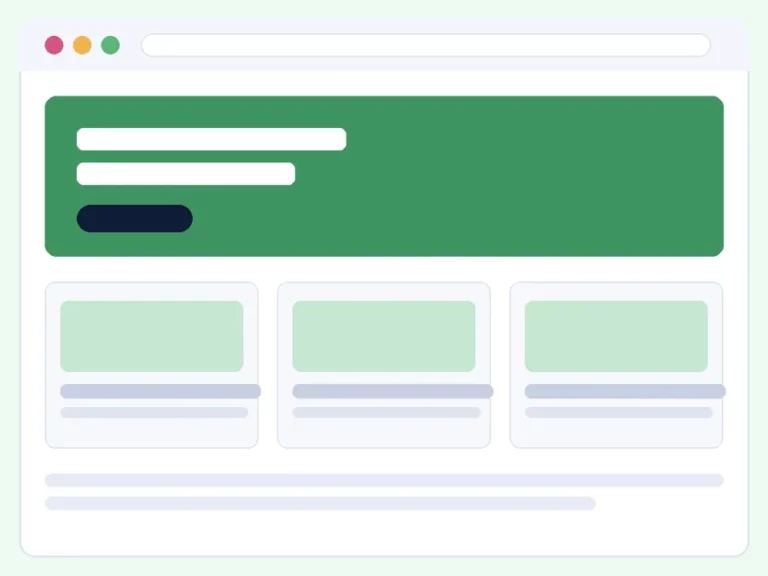


Everything above is live. The wall is your own case studies — a real post type with categories, tags and project details (client, date, tools, URL) — shown by the Accessible Portfolio block. The category filter, the Grid / List switch and the pagination all come from the plugin, so they work on any theme, and every card is real content with nothing hard-coded. What follows is ordinary page content, so you can drop the same block anywhere you like.
The block, with project details
The same case studies through the Accessible Portfolio block, set to list layout with the client, completed date and live-site link switched on — every field is a simple toggle.
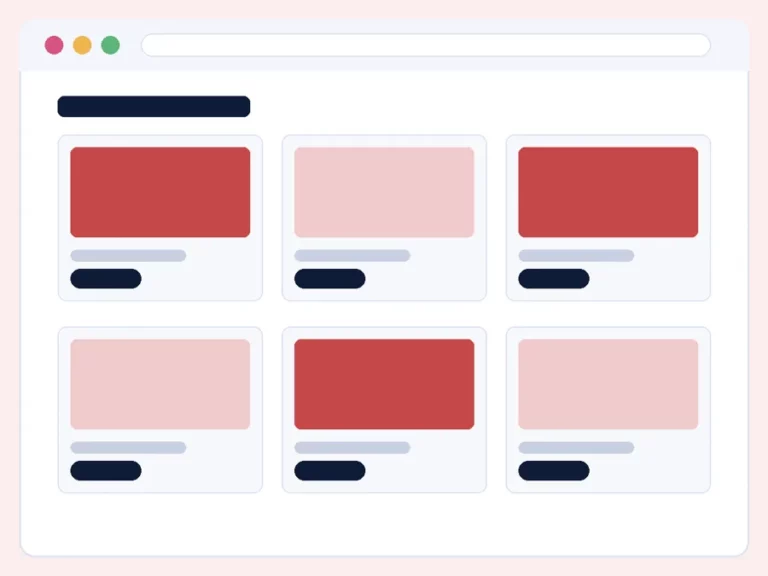


One shortcode, any page
No block editor? The same renderer answers to a shortcode — paste it anywhere, including widgets and page builders:
[accessible_portfolio layout="grid" columns="3" count="6" category="healthcare" show_client="yes"]Built accessible, like everything here
- Plain, semantic HTML — no lightboxes, no isotope, no hover-only interactions.
- Project URLs are announced to screen readers as external links.
- Headings at a level you choose, so the block fits any page outline.
- A carousel layout is available too, powered by our Accessible Carousel plugin — no autoplay, real button controls.
Get the plugin
Free on WordPress.org, from the maker of the Accessible Carousel, Login and Forms plugins. Your entries are ordinary WordPress content — the plugin never deletes them.